 MOSSBACK STUDIO
Legacy color codes to MiniMessage
Paste a message or a whole config file. Old & and § color codes become MiniMessage tags, or the other way round, with a preview of how it looks in chat.
What gets converted
| Legacy | MiniMessage | Legacy | MiniMessage |
|---|
Hex colors are read in the three spellings plugins use: 7ff99, &x&5&5&f&f&9&9 and the same two with §. They all become <#55ff99>.
Why a plain search and replace goes wrong
In the old format a color code also switches off bold, italic and the other styles. &l&cHello &7world shows "Hello" in bold red and "world" in plain gray. MiniMessage tags work the other way: a style stays on until it is closed. If you only swap each code for its tag, you get <bold><red>Hello <gray>world, and now "world" is bold too.
This converter closes the open styles every time a color code comes up, the way the game did it, so the message looks the same after the move. &r becomes <reset>.
The way back
MiniMessage to legacy is for plugins that still read & codes. Colors, hex colors and styles are converted, and a <gradient> is written out as one hex color per letter. Tags that the old format cannot express (click, hover, rainbow) and placeholders like <player> are left exactly as they are, and the note under the boxes lists them.
Whole config files
You can paste a full YAML file. Every line is converted on its own and nothing else in the file is touched, so keys, indentation and comments stay as they were. Read the result once before saving: an & followed by a letter inside normal text (like "Tom &a friend") looks like a color code to any converter.
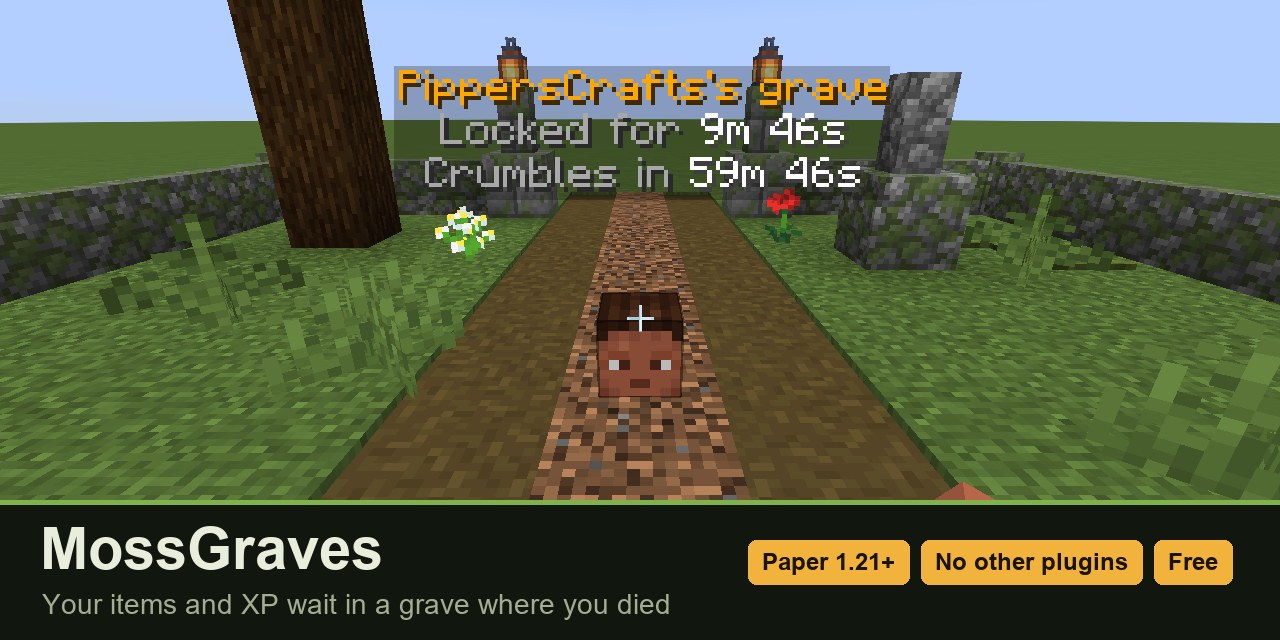
Plugins that use MiniMessage from the start
MossGraves (free), MossCrates and MossDaily are small Paper 1.21+ plugins: one jar, one config file, every message in MiniMessage.
See the plugins